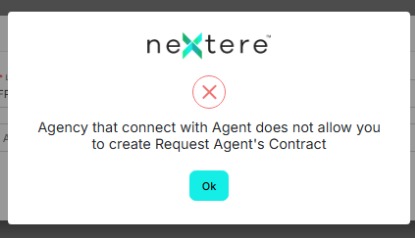
How to resolve message: Agency that connect with Agent does not allow you to create Request Agent's Contract
How to resolve message: Agency that connect with Agent does not allow you to create Request Agent's Contract

Why do users receive the following message?
This is caused by a specific agency setting. The downline agency with this option needs to follow the following steps.
Go to app.nextere.com
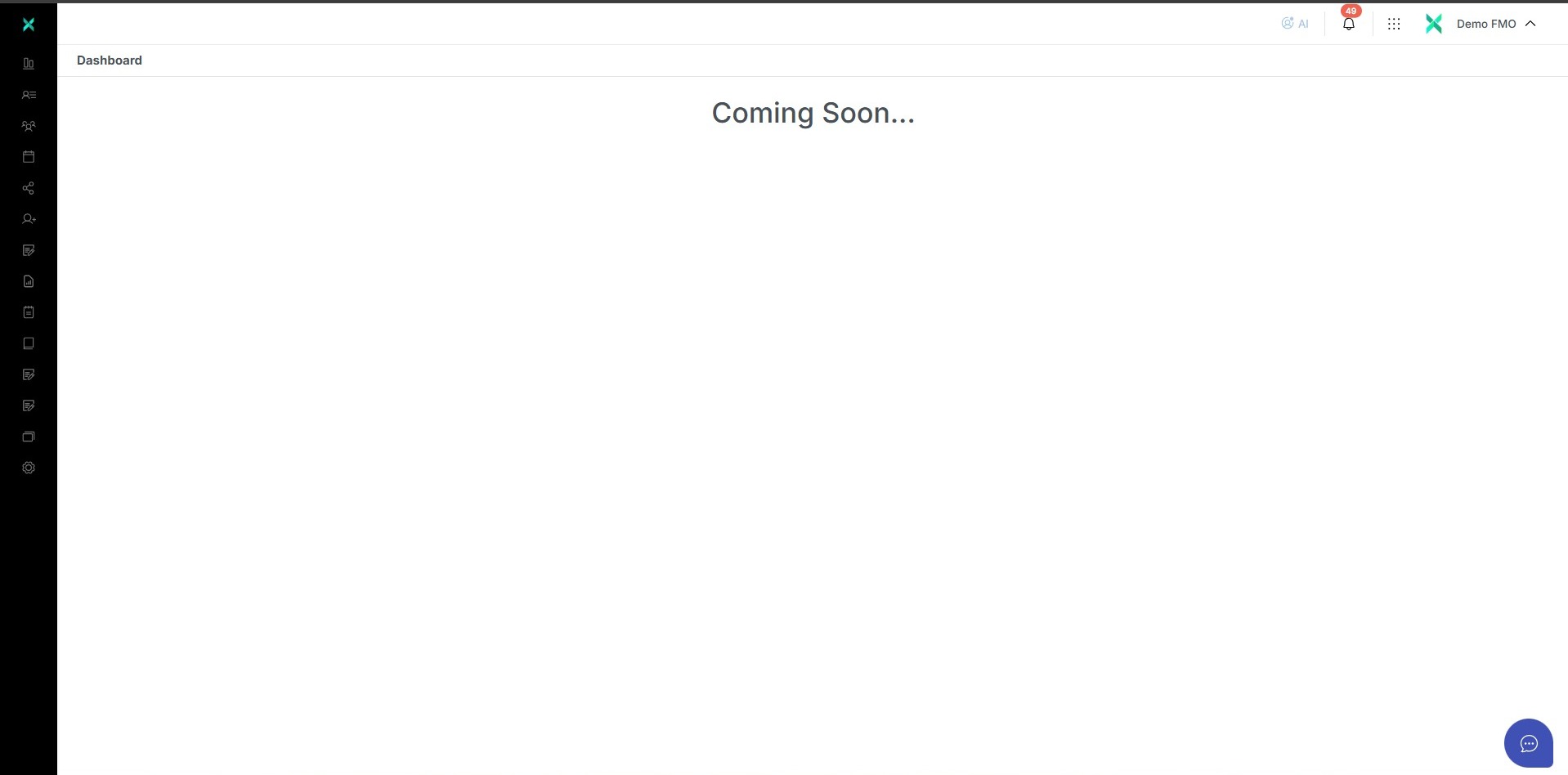
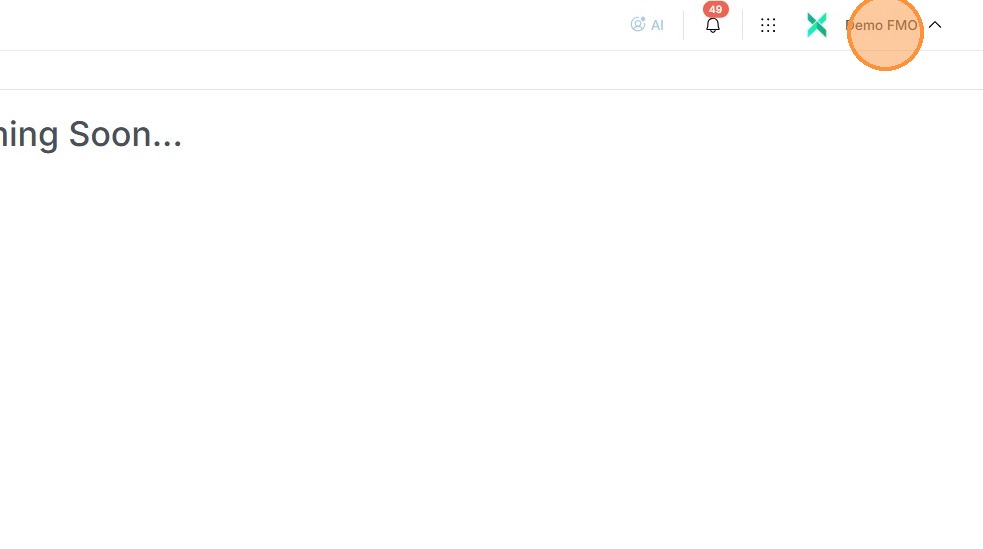
On the upper right corner click on your profile.
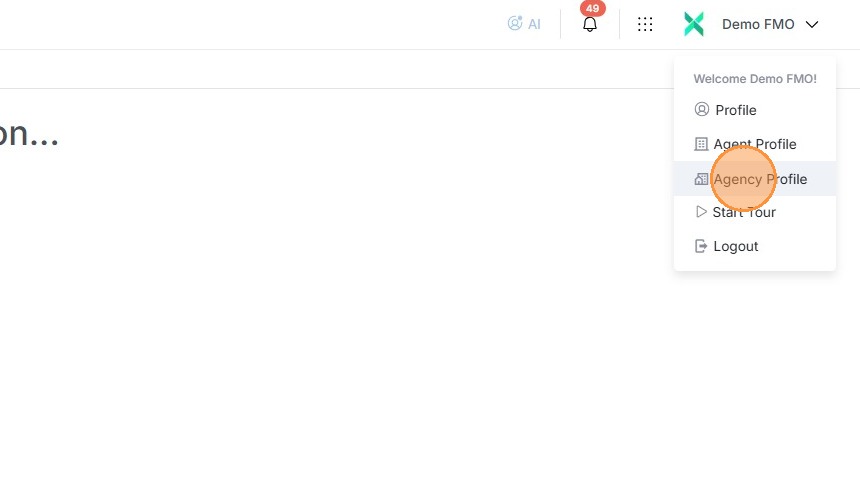
In the drop down click on the "Agency Profile".
In the "Agency Profile" click on "Agency Configuration".
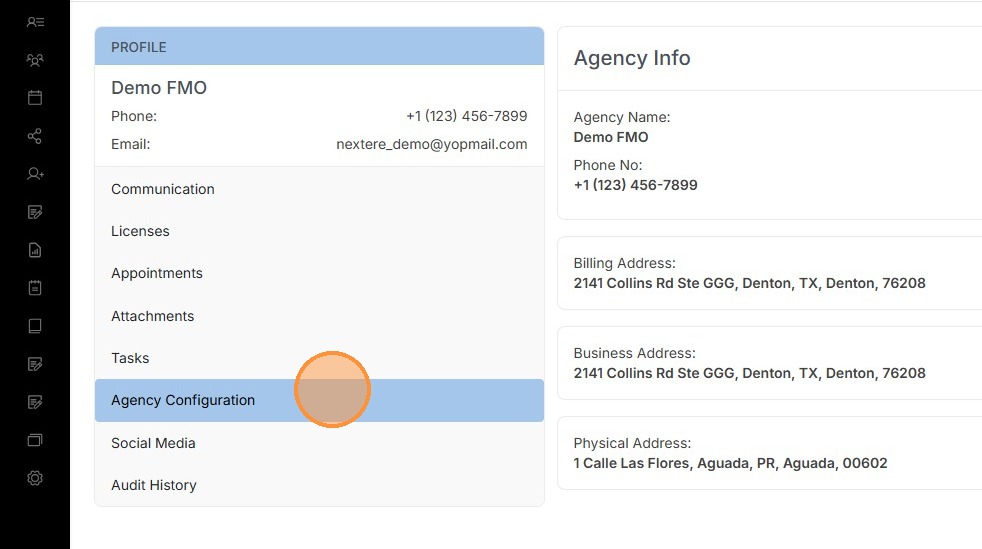
The specific configuration that is connected to the message is "Allow Upline Request Agents Contracts".
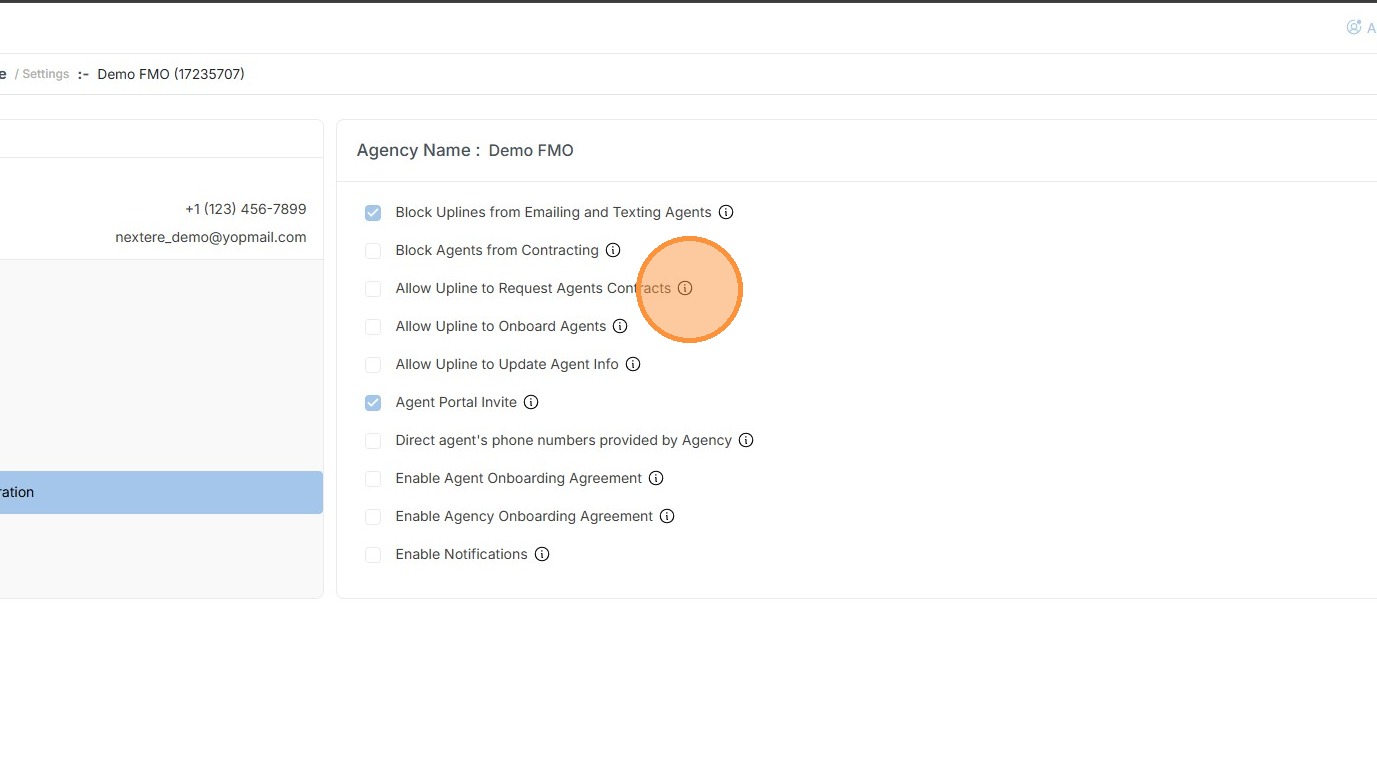
The specific effect of the configuration is the following:
"Enable this option to allow your most immediate upline to submit contract requests on behalf of your direct agents, streamlining the contracting process and releasing you from this task. You are always welcome to request contracts for your agents in addition to your upline."
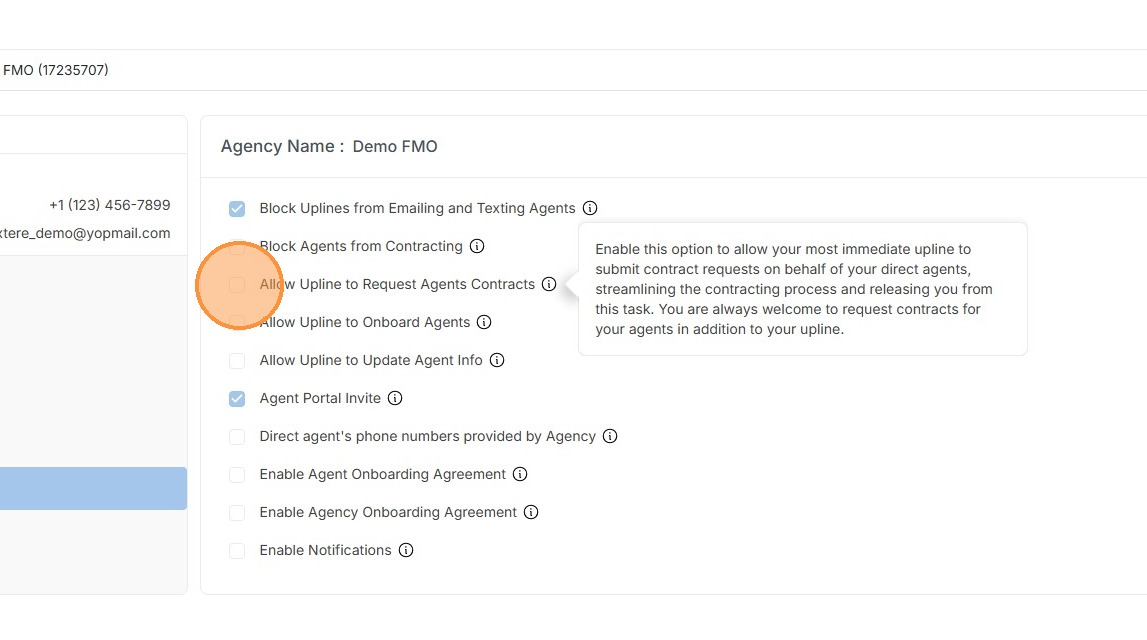
Once checked uplines will be able to request contracts.
Related Articles
How to submit a contract request at Agency Staff Level
Submitting a Contract Request (Agency Staff Level) Introduction As an Agency Staff member, you have the authority to manage contracting on behalf of your agents. This guide explains how to submit individual contract requests, whether you are ...How to resolve message: Your agency blocks you from requesting a contract.
How to resolve message: Your agency blocks you from requesting a contract. Learn how to solve "your agency blocks you from requesting a contract" message. Why do users receive the following message? This is caused by a specific agency setting. As per ...Navigation Menu: Agent Profile
Navigating the Agent Profile This section showcases the options users have to edit their agent information. Introduction The Agent Profile is the central management area for your professional identity within the platform. It allows you to maintain ...Navigation Menu: Agency Profile
Navigation Menu: Agency Profile This section is like the Agent Profile, but showcases the options users have to edit their agency information and certain preferences when it comes to doing business with an Upline. To access this section, users need ...How to submit a contract request at Agent Level
Submitting a Contract Request (Agent Level) Submitting a contract request is a vital step in expanding your sales authority. This process allows you to request appointments with specific carriers for various Lines of Business (LOB) while ...