How To Sign Into Your Account Using Incognito Mode
How To Sign Into Your Account Using Incognito Mode

Learn how to securely access your account using a private Chrome incognito window. This guide covers the entire process from launching the browser to completing the reCAPTCHA verification for a successful login.
1. In your browser.
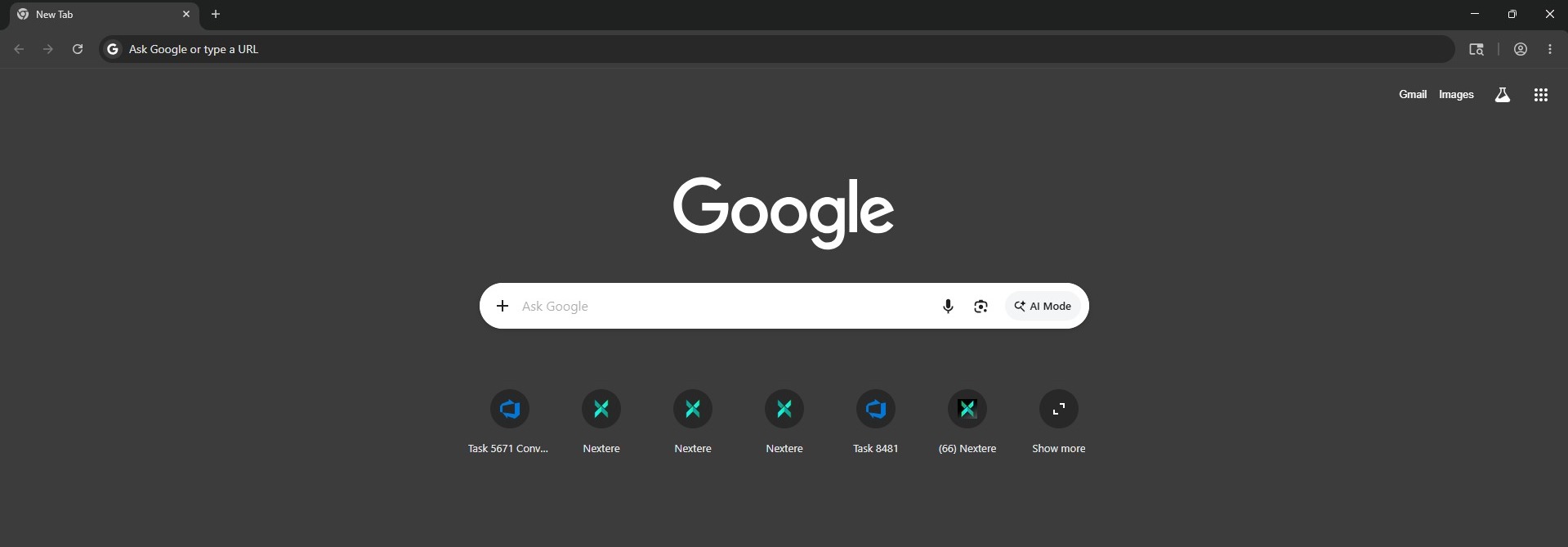
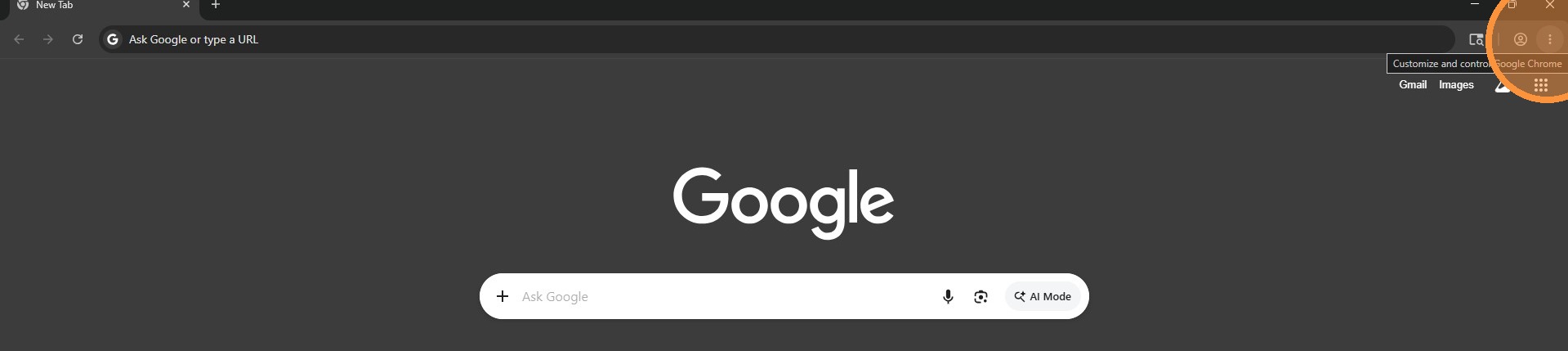
2. Go to the upper right corner and click on the three dots.
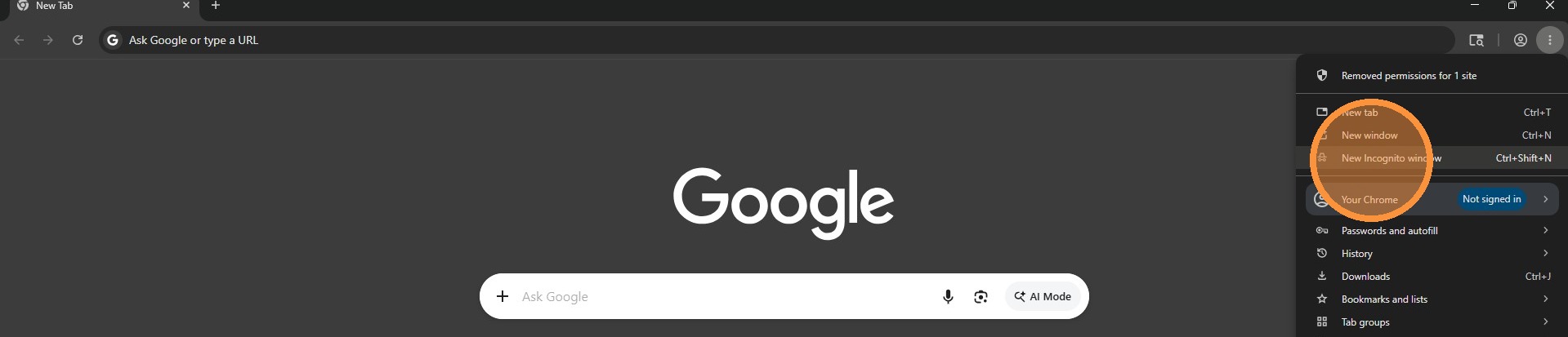
3. Select "New Incognito window"
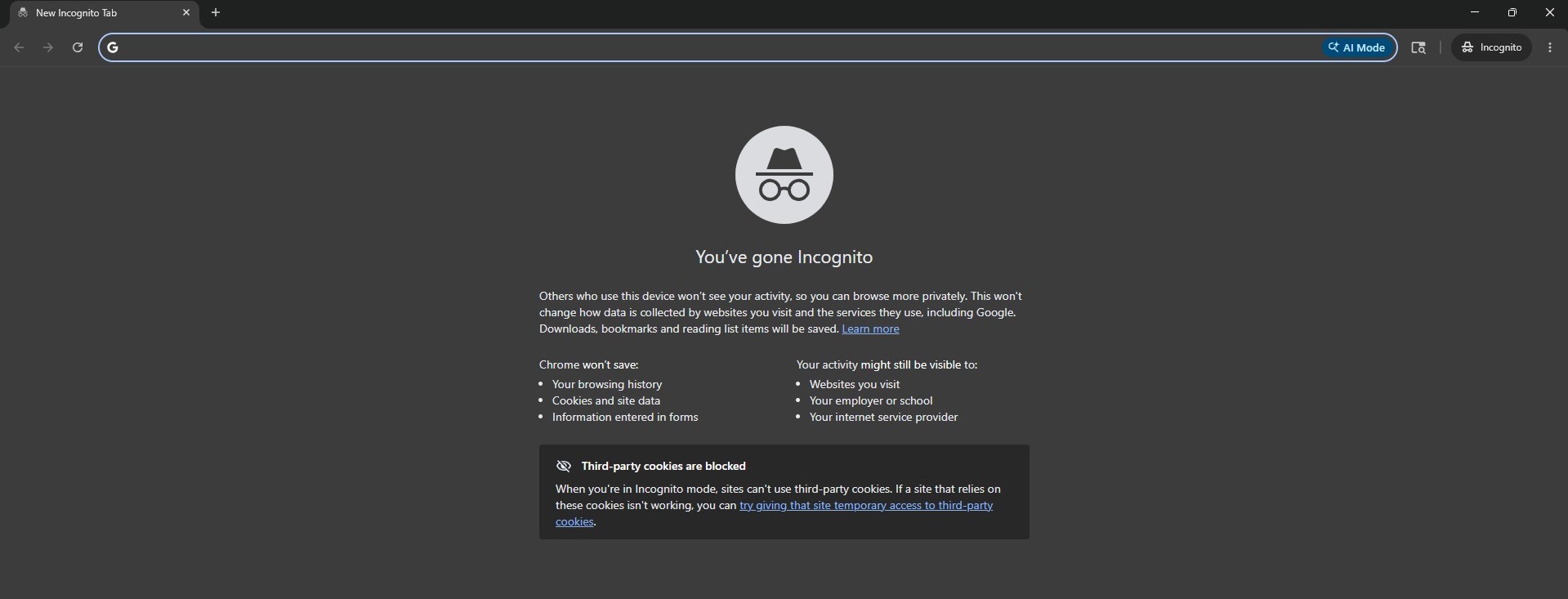
4. In the private window type the following link.
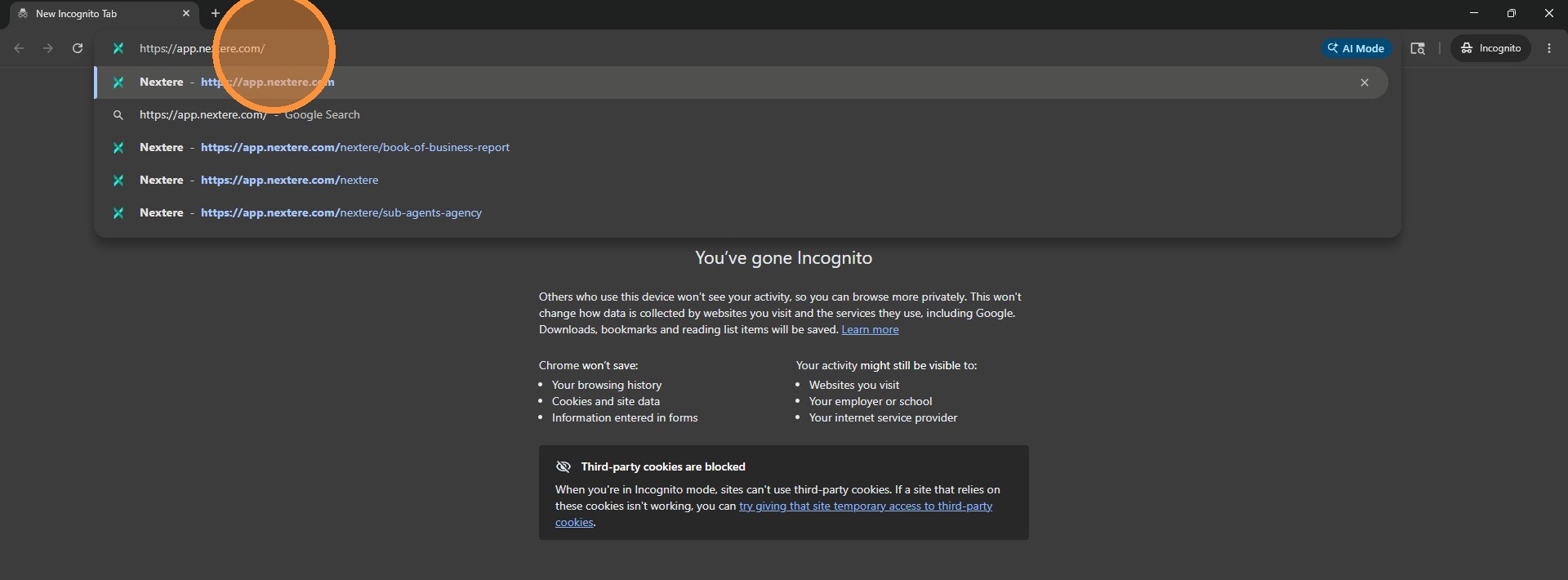
6. Click "Switch" to update tenant information
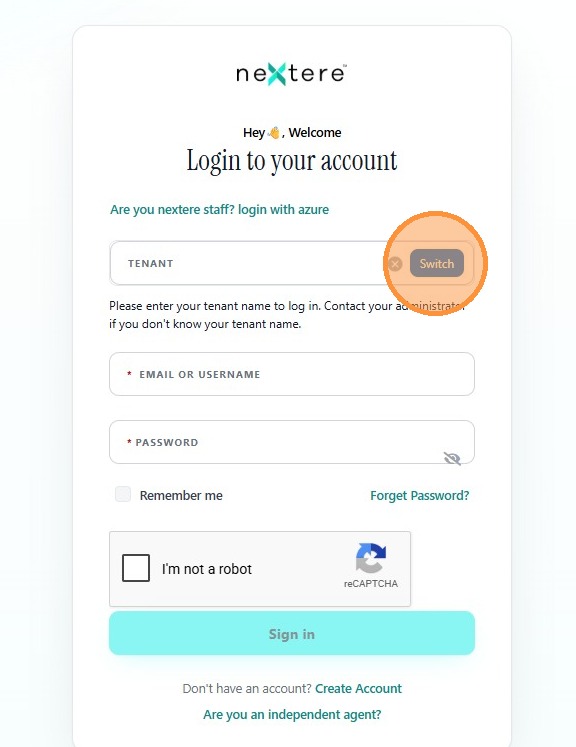
7. Enter NHP in the Tenant field
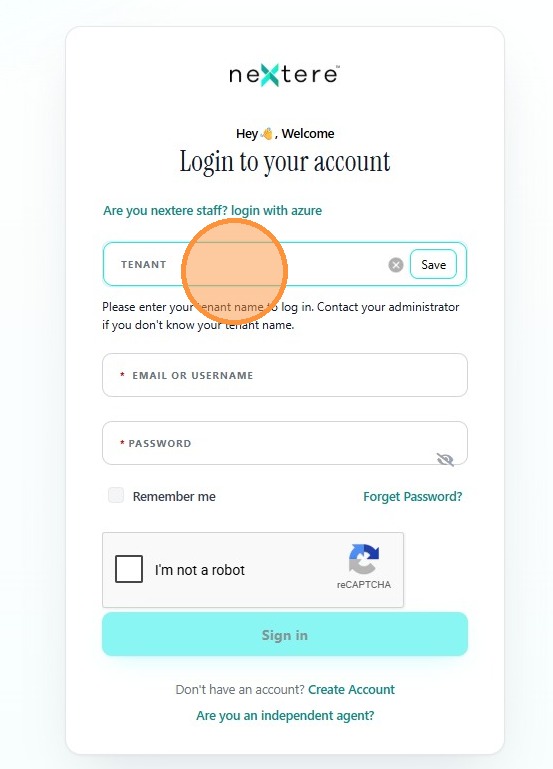
8. Click "Save"
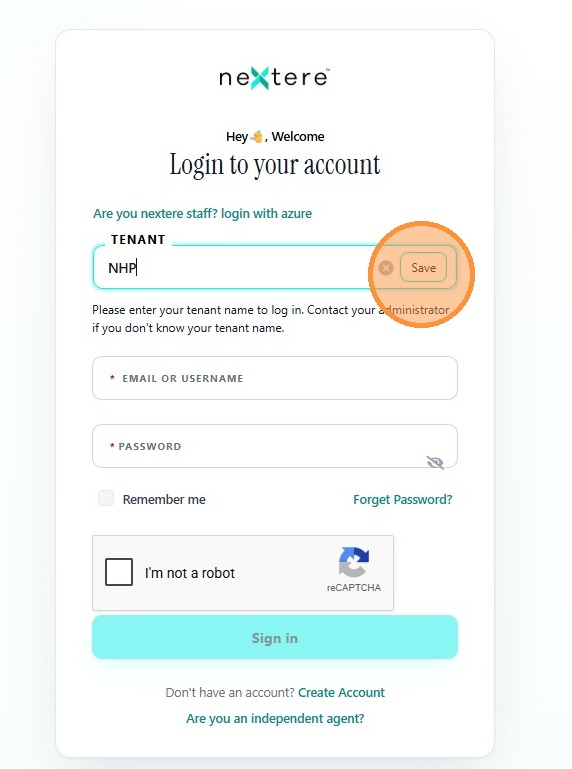
9. Enter your email or username

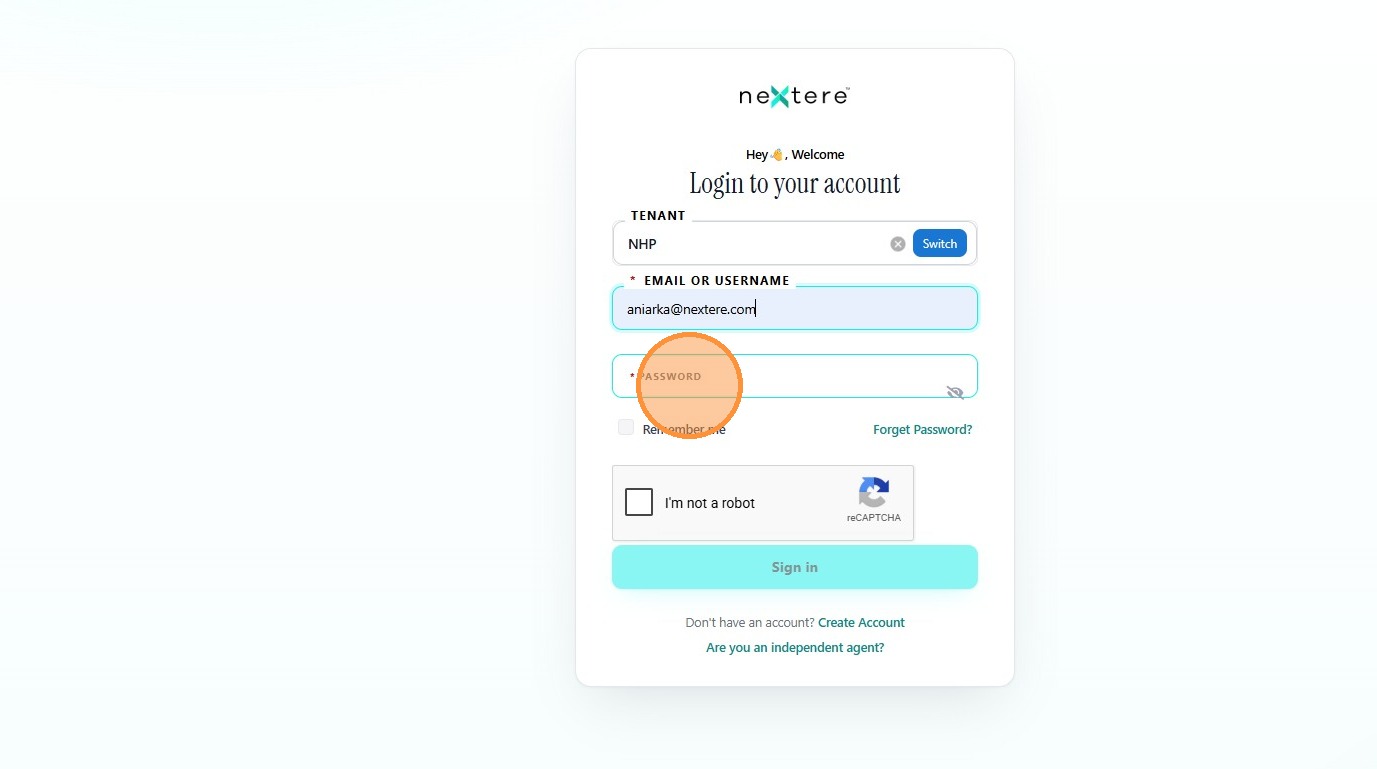
10. Enter your password in the Password field
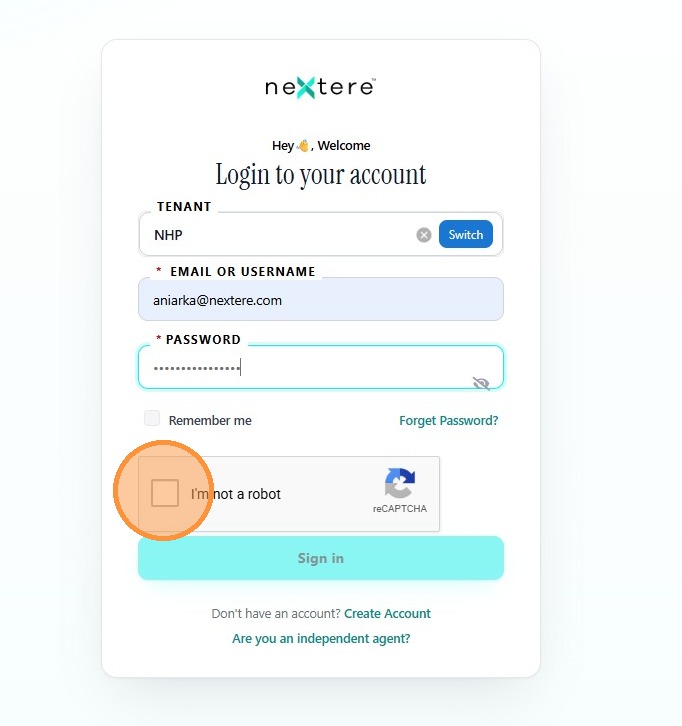
11. Complete the "I'm not a robot" reCAPTCHA challenge
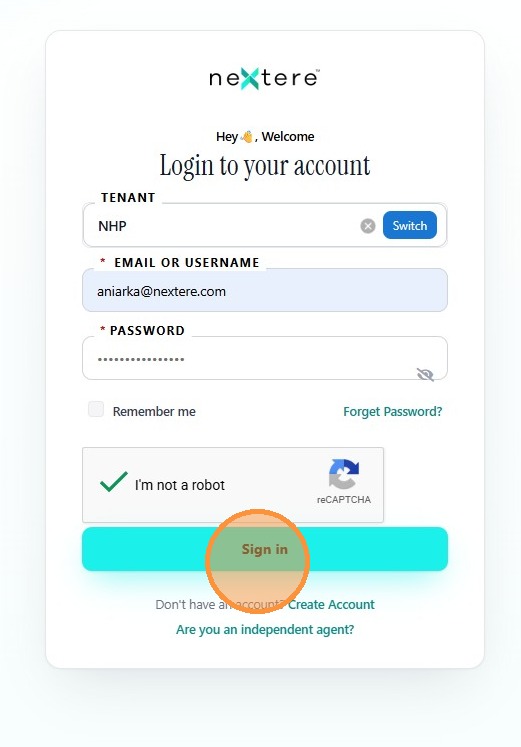
12. Click "Sign in" to log into your account
Related Articles
Sign In Error: User not found
Sign In Error: User not found When attempting to log in to Nextere, you may encounter a "User not found" error. This typically occurs when the application is pointing to the wrong Tenant ID. Follow this guide to verify and update your tenant settings ...How to create a profile using the invitation email
How to create a profile using the invitation email Congratulations on joining the platform! This guide will walk you through the secure process of activating your account, verifying your identity, and completing your professional profile. The ...How to Set Up a New User Account
How to Set Up a New User Account This guide shows process for setting up a new user account on the Central platform, ensuring that administrators can efficiently manage user access and permissions. 1. Go to https://app.nextere.com/ 2. Click "Switch" ...How to log in on the Nextere's Central App
How to log in on the Nextere's Central App Below is a guide to show the step-by-step process on how to sign in. 1. Go to app.nextere.com 2. Click "Switch". 3. Click "Tenant" and enter NHP. 4. Click "Save". 5. Click "Email or Username" and enter your ...How to log in on the Nextere's Central App
How to log in on the Nextere's Central App Below is a guide to show the step-by-step process on how to sign in. 1. Go to app.nextere.com 2. Click "Switch". 3. Click "Tenant" and enter NHP. 4. Click "Save". 5. Click "Email or Username" and enter your ...