How to log in on the Nextere's Central App
How to log in on the Nextere's Central App

Below is a guide to show the step-by-step process on how to sign in.
1. Go to app.nextere.com
2. Click "Switch".
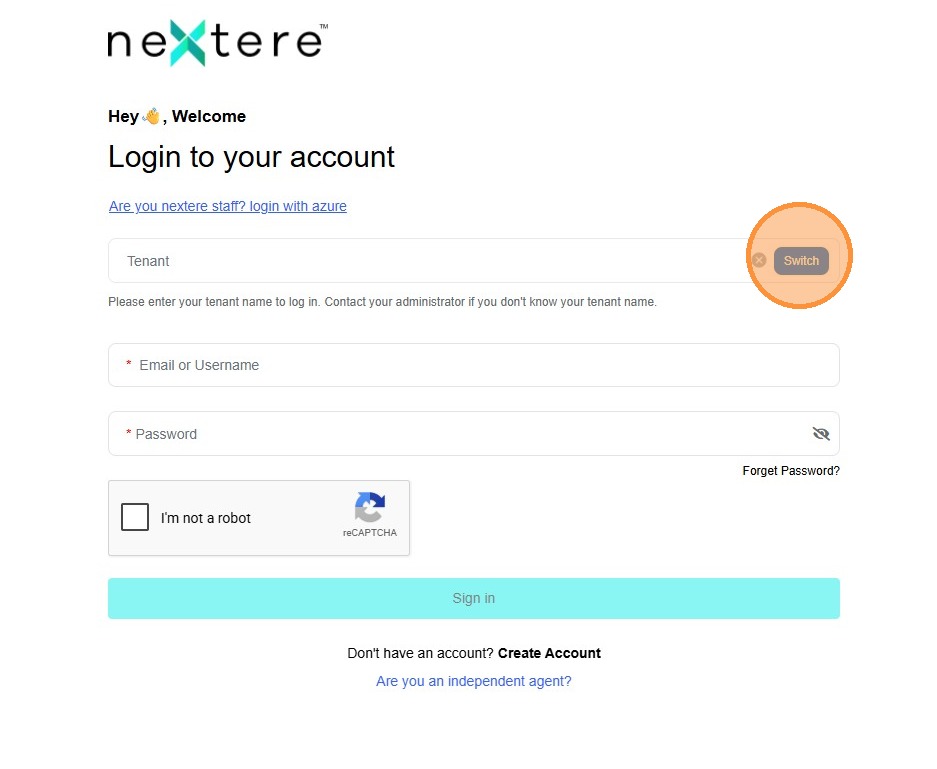
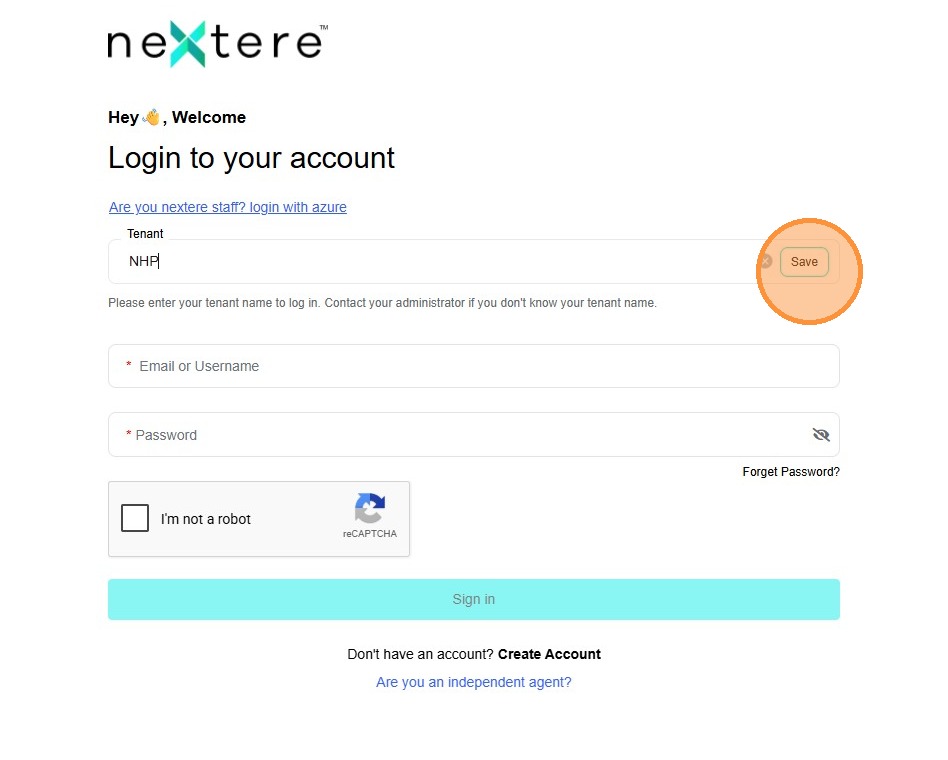
3. Click "Tenant" and enter NHP.
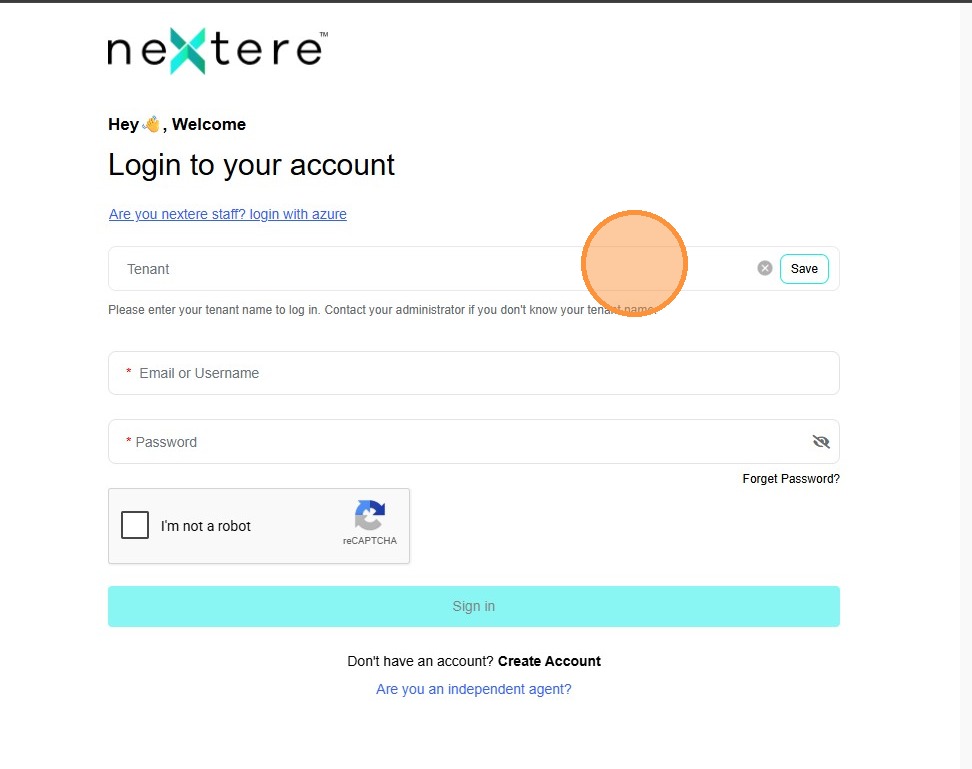
4. Click "Save".
5. Click "Email or Username" and enter your whichever. In this case it would be the email.
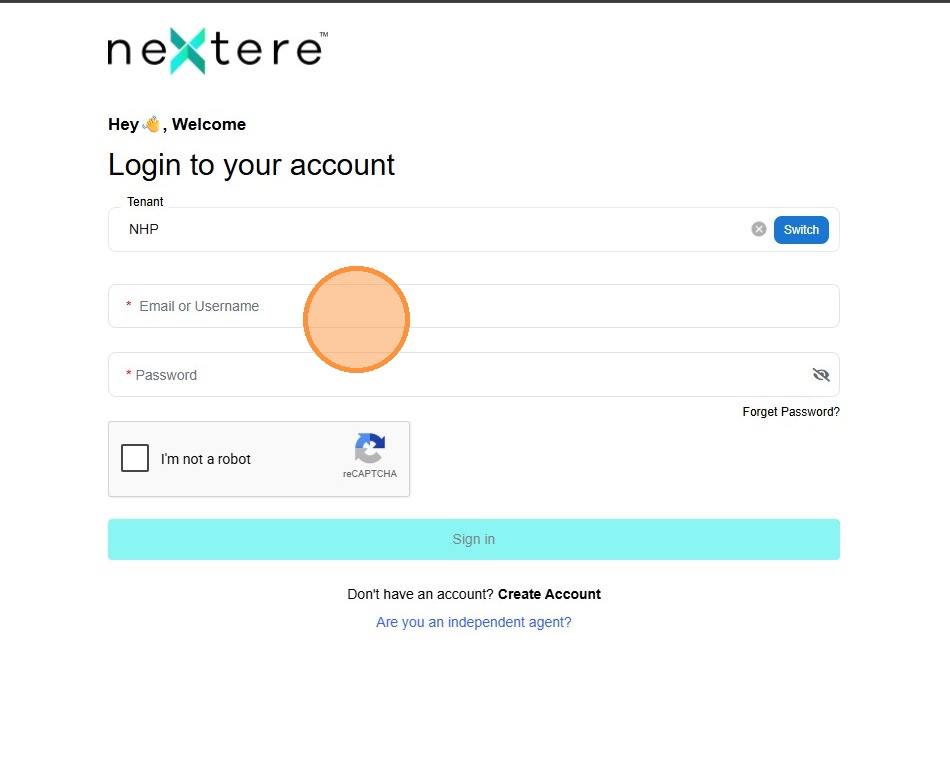
6. Click "Password" and enter your password.
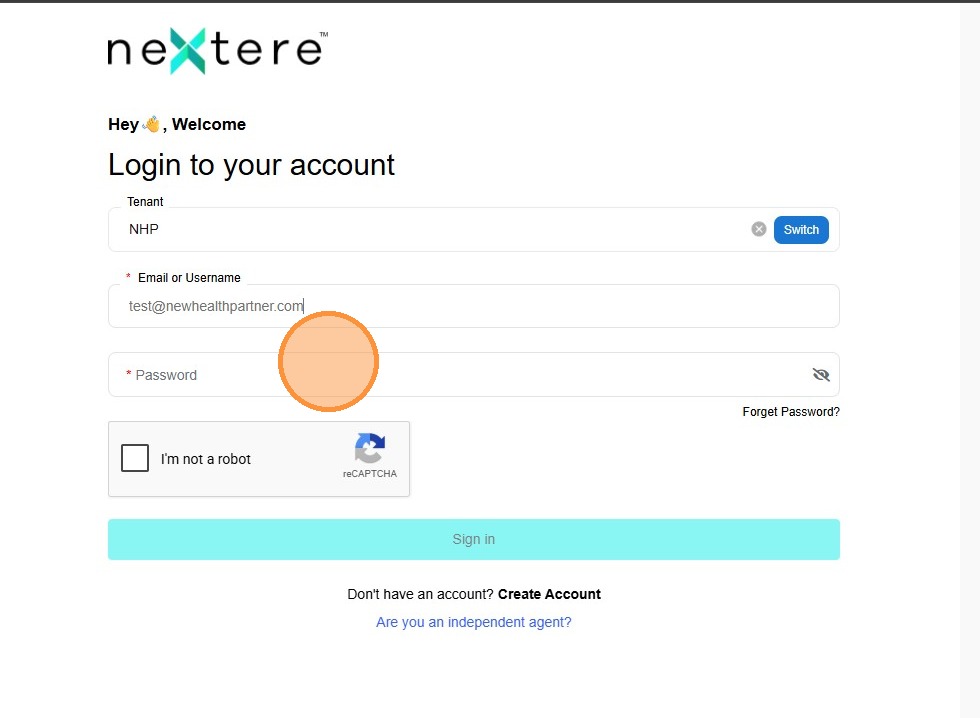
7. Click the Captcha.
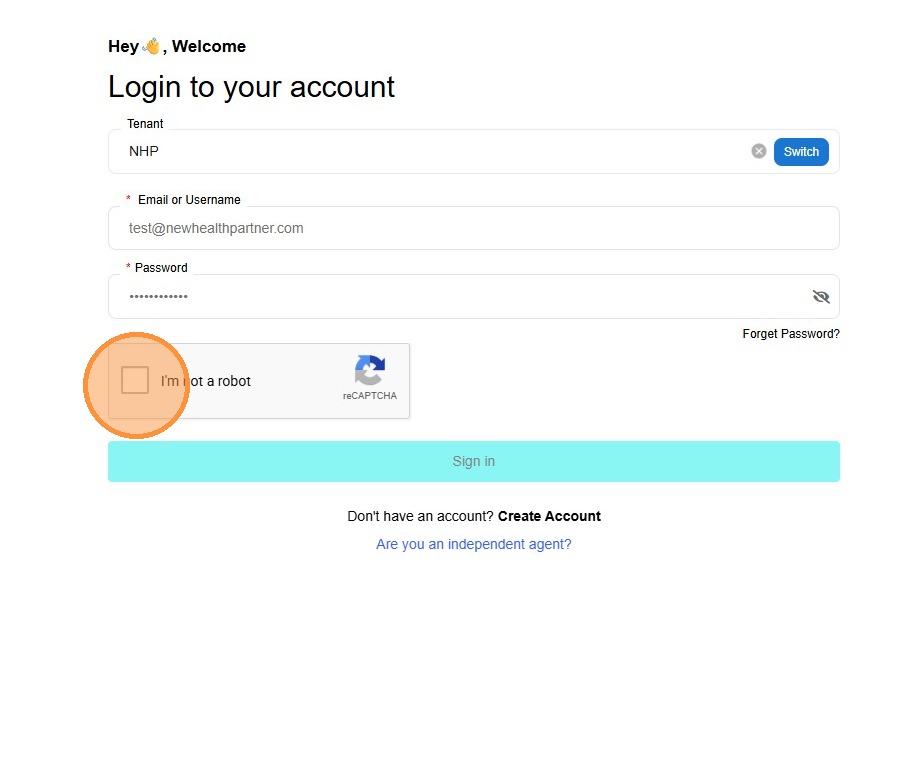
8. Click "Sign in".
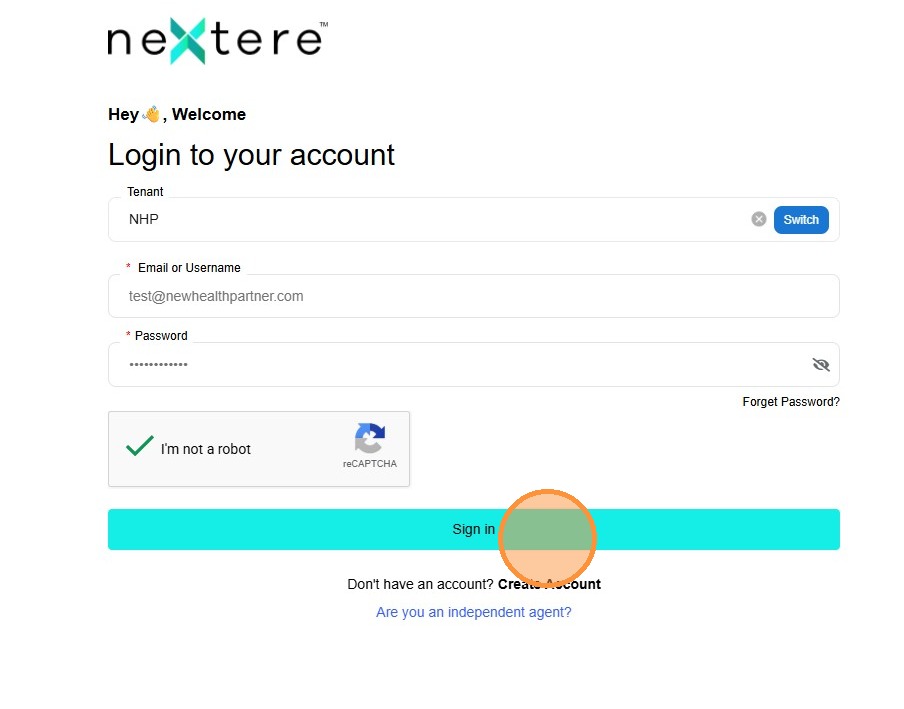
9. If you have a "User Not Found" error, please go to the following link to this article:
Related Articles
How to log in on the Nextere's Central App
How to log in on the Nextere's Central App Below is a guide to show the step-by-step process on how to sign in. 1. Go to app.nextere.com 2. Click "Switch". 3. Click "Tenant" and enter NHP. 4. Click "Save". 5. Click "Email or Username" and enter your ...Navigation Menu: Agent Profile
Navigating the Agent Profile This section showcases the options users have to edit their agent information. Introduction The Agent Profile is the central management area for your professional identity within the platform. It allows you to maintain ...How to invite an agent with the "Invite Agent" button
How to invite an agent with the "Invite Agent" button This guide provides a step-by-step process for inviting agents to Central, ensuring a smooth onboarding experience. It covers everything from agency selection to account creation and verification, ...How to process multiple agencies in Central
How to process multiple agencies in Central (Bulk Import) Introduction The Bulk Import feature allows Agency Administrators to upload multiple agencies simultaneously using a standardized Excel template. Use this feature to save time when onboarding ...Sign In Error: User not found
Sign In Error: User not found When attempting to log in to Nextere, you may encounter a "User not found" error. This typically occurs when the application is pointing to the wrong Tenant ID. Follow this guide to verify and update your tenant settings ...